Written by: DoraScribe Editorial Team
Medically reviewed by: Chinedu Nwangwu, MD (Founder, DoraScribe)
Published: February 28, 2026
Last updated: March 22, 2026
Reviewed on: March 22, 2026
Why you can trust this: This article was medically reviewed for clinical accuracy, documentation workflow realism, and patient-safety considerations.
Medical disclaimer: This content is for informational purposes only and does not provide medical advice. Clinicians should follow local regulations, institutional policies, and professional judgment.
How this article was created: This article was prepared by the DoraScribe Editorial Team and medically reviewed by Dr. Chinedu Nwangwu, MD. We updated tool categories and implementation guidance for 2026 and added peer-reviewed and guideline-level sources where claims are commonly misunderstood.
Quick Summary
Clinicians don’t need more software. You need fewer clicks, less administrative load, and faster access to information you can verify.
A practical “AI stack” in 2026 usually includes:
- one documentation tool (scribe or structured dictation)
- one evidence tool (to shorten the question → source loop)
- one operations tool (scheduling, intake, reminders)
Then add advanced tools only when you have a clear use case and ownership.
Quick answer: the best AI apps for doctors
Below are six non-overlapping categories of AI-enabled tools that are most likely to reduce clinician time loss across primary care and specialty workflows.
- AI medical scribe app (documentation automation)
- AI medical research assistant (evidence-based answers with sources)
- AI imaging & diagnostics support (triage + detection support)
- AI scheduling & patient flow (reminders, waitlists, intake)
- AI coding & billing assistants (ICD/CPT suggestions, charge capture)
- AI patient messaging assistants (draft replies, after-visit instructions)
Safety rule across all categories: Treat outputs as decision support and drafts. Clinician review remains the control point.
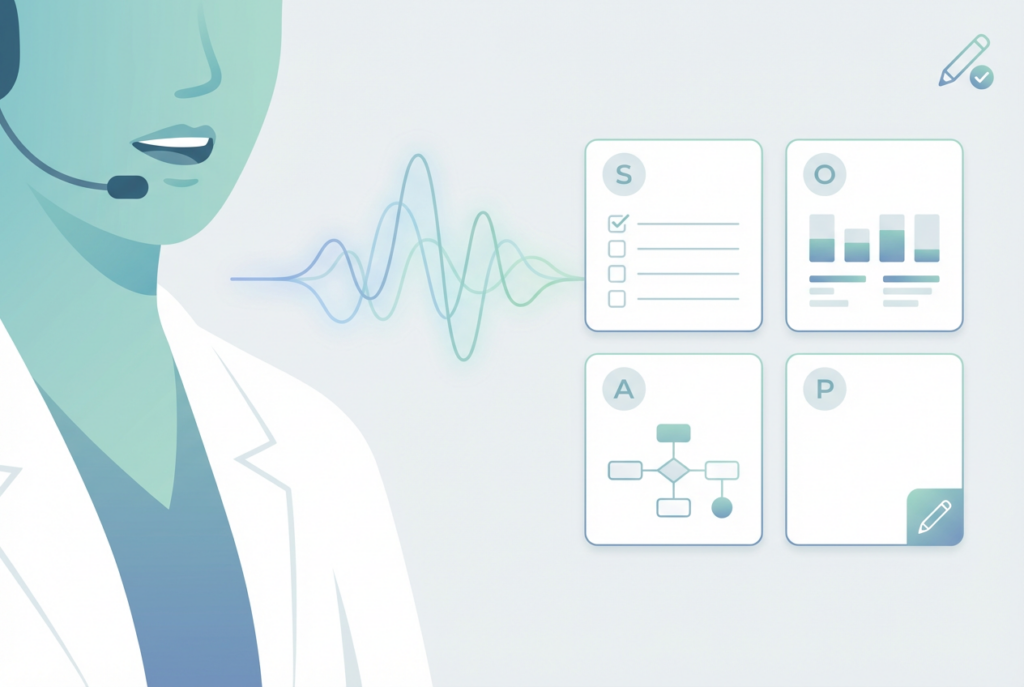
1) AI medical scribe app (documentation)
Best for: clinicians who want to reduce after-hours charting and improve note consistency.
Documentation burden is not a vague complaint. Time-and-motion research has repeatedly shown that physicians spend substantial time in EHR and desk work relative to direct patient time, often with additional after-hours documentation. One classic ambulatory time study reported high EHR/desk time and 1–2 hours of after-hours EHR work in many cases.
What this category does
An AI medical scribe app turns visit content into a structured draft note that you can review, edit, and finalize. The goal is fewer repetitive fields and fewer “finish notes at home” nights.
One option clinicians use for this workflow is DoraScribe (an AI medical scribe app designed for fast, clinician-controlled documentation).
Why is this showing up more in 2026
Ambient/AI scribe programs are increasingly being evaluated in real clinical settings. For example, a multi-site quality improvement study in JAMA Network Open reported associations between ambient AI scribe use and reductions in documentation burden and burnout (with clinician review still required).
Implementation tips clinicians actually follow
- Day 1–2: run test encounters and compare outputs to your preferred structure
- Day 3–4: define a consistent finalization routine (review + quick edits)
- Day 5+: standardize templates by visit type (new, follow-up, procedure, consult)
If you’re comparing tools, this guide on optimizing an AI medical scribe workflow covers practical setup steps.
Guardrails that matter (non-negotiable)
- Drafts must be clearly separated from finalized documentation
- Editing must be quick and obvious (medications, negatives, plan, follow-up)
- The system must support the secure handling of patient data in your jurisdiction
2) AI medical research assistant app (clinical questions)
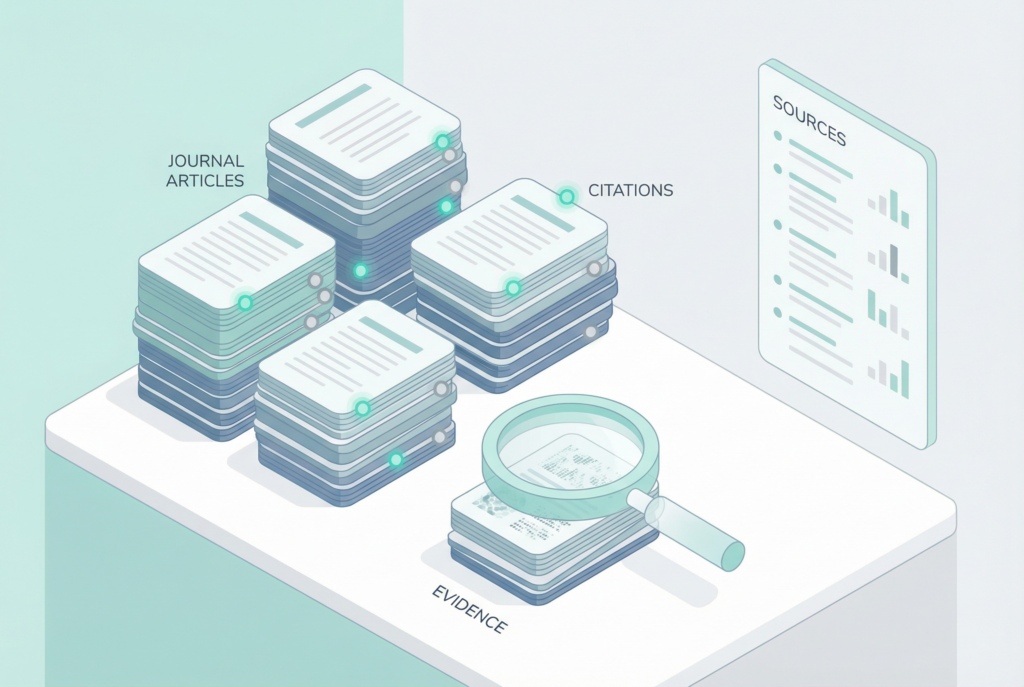
Best for: clinicians who need fast, evidence-backed answers (and want sources, not vibes).
A research assistant is useful when it shortens the loop:
clinical question → evidence summary → sources you can verify → clinically reasonable next step.
ZoeMD is an AI medical research assistant designed to help clinicians explore questions, summarize evidence, and surface sources.
Where it fits in the real workflow
- Between patients, when an unfamiliar question comes up
- After the clinic, when confirming a guideline detail or drug interaction
- When updating protocols or teaching material
Guardrails
- Use it to find sources faster, not to replace them
- Verify key decisions against primary references
3) AI imaging & diagnostics support apps (triage + detection)
Best for: high-volume results review workflows and settings where triage speed matters.
These tools can help:
- prioritize worklists
- flag patterns for closer review
- reduce repetitive review fatigue
Practical implementation tips
- Start with one workflow (one condition, one pathway)
- Define escalation rules (who is alerted, when, and how)
- Track one metric (time-to-review, time-to-treatment, discrepancy review)
Important: this category is decision support—final interpretation remains with the clinician.
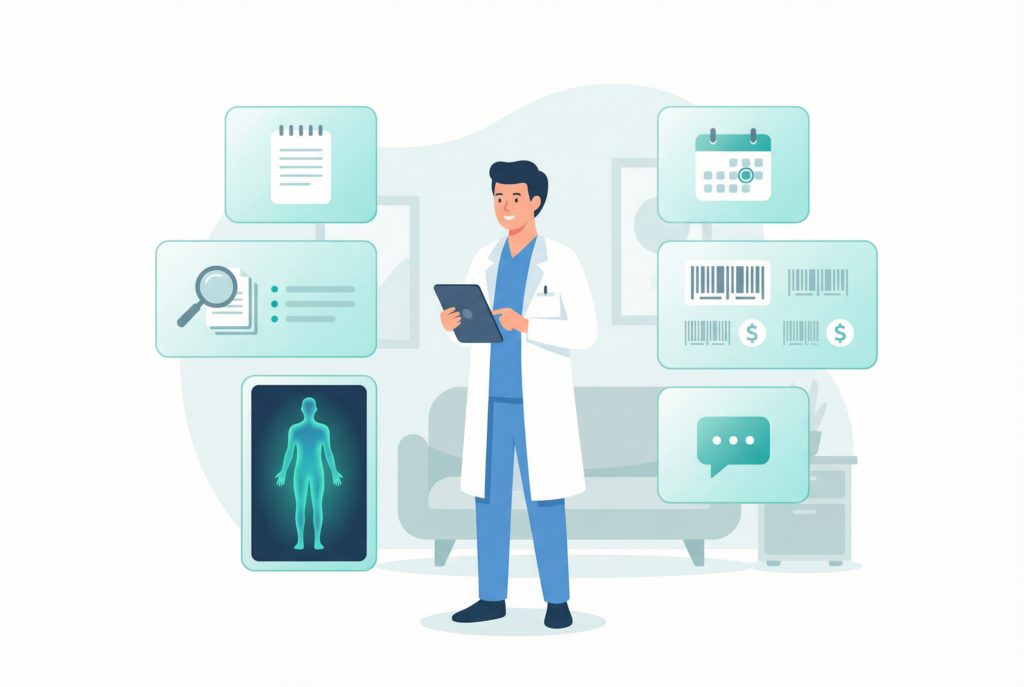
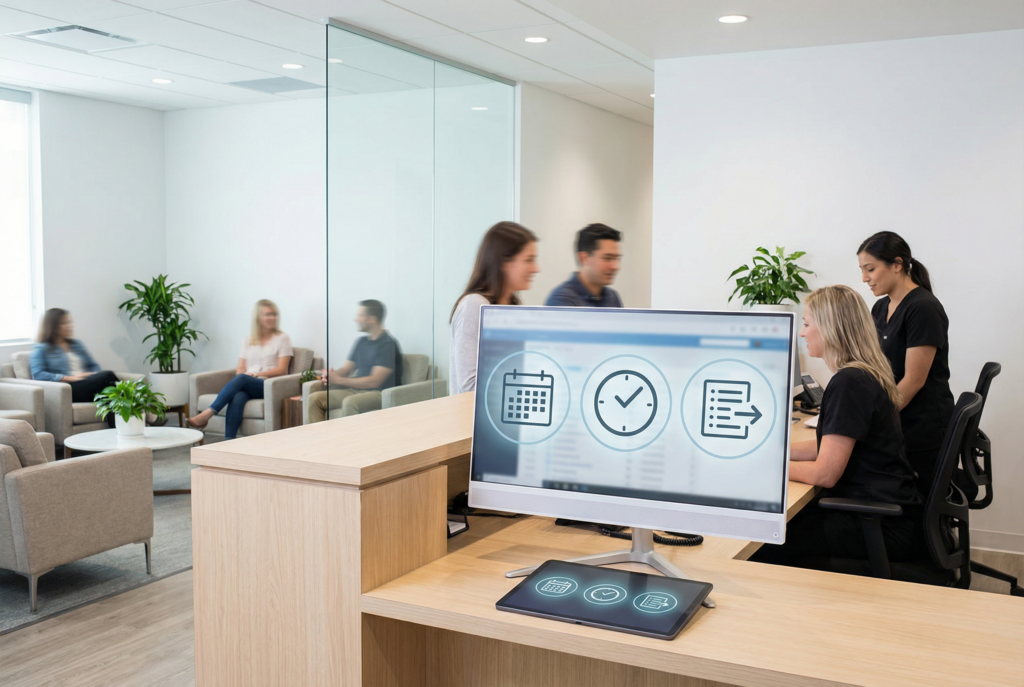
4) AI scheduling & patient flow apps (less admin, fewer no-shows)
Best for: clinics losing hours to rescheduling, intake friction, and missed appointments.
Scheduling is an underestimated “time leak.” Modern scheduling tools automate:
- self-serve rescheduling (within rules)
- reminders
- waitlists
- pre-visit intake prompts
Evidence supports that digital notifications can improve attendance and reduce no-shows in many settings (effect sizes vary by context).
What to look for
- configurable reminder timing and consent handling
- accessible patient messaging (language, readability)
- clean calendar/EHR workflow integration
5) AI coding & billing assistant apps (charge capture + fewer denials)
Best for: clinics where documentation gaps and coding variability create rework.
Coding assistants commonly help by:
- suggesting ICD-10/CPT candidates from the narrative
- flagging missing documentation elements (when required)
- standardizing workflows across providers
Practical rollout
- start with one service line or visit type
- compare suggestions to your normal coding for 2–4 weeks
- keep an “exceptions list” (common false positives) to refine rules
Note: These tools support charge capture; they don’t replace compliance review.
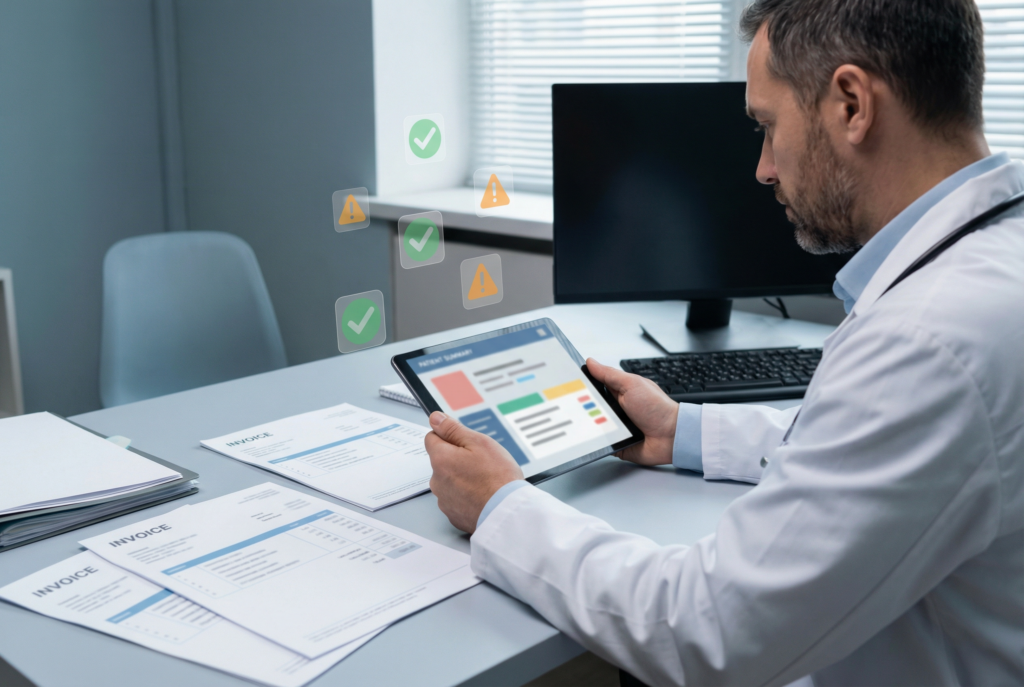
6) AI patient messaging assistant apps (draft replies + after-visit instructions)
Best for: clinicians drowning in portal messages.
Messaging assistants can help by drafting:
- conservative replies for repetitive questions
- after-visit instructions derived from your visit documentation
- patient-friendly explanations you still review and approve
Guardrails that matter
- use tools that support secure handling of patient data
- keep outputs conservative and clinically appropriate
- always review for context, safety, and tone
How to choose apps for doctors (a clinician-grade checklist)
Use this checklist when evaluating any tool:
- Safety & reliability: clear separation of decision support vs. clinical decisions
- Privacy/security: meets your clinic’s privacy requirements and local regulations
- Workflow fit: reduces steps instead of adding a new “extra task”
- Integration: outputs move into your current systems without friction
- Customizability: adapts to specialty, note style, and clinic rules
- Measurable impact: time saved, no-shows, turnaround, message load, chart closure rate
Recommended “starter stack” (minimal, high impact)
If you want the most practical combination without tool overload:
- Documentation: AI medical scribe app
- Clinical questions: AI medical research assistant
- Operations: a scheduling/patient flow tool
Then add imaging support or coding assistance only if you have a clear use case and a team to own the rollout.
FAQ: Apps for doctors
What are the best apps for doctors to save time?
For many clinics, the fastest wins come from documentation support (scribe/dictation), an evidence tool that surfaces sources, and scheduling automation that reduces no-shows and intake friction.
Are AI apps for doctors safe to use?
They can be, when used as decision support with clear review steps. Prioritize tools that keep clinicians in control, clearly mark drafts vs final outputs, and meet privacy requirements.
Will an AI medical scribe replace documentation entirely?
No. It can reduce typing and improve structure, but clinicians still review, correct, and finalize documentation.
Do AI research assistants replace guidelines?
No. Their best use is speeding up discovery and summarization while surfacing sources. Clinicians should verify key decisions against primary references.
What’s the best way to pilot a new tool?
Pick one use case, one owner, and one metric (chart closure time, message load, no-shows). Pilot for 2–4 weeks before expanding.
What’s the difference between dictation, transcription, and AI scribing?
If you want the deeper breakdown, see Dictation vs Transcription in Healthcare (2026): Key Differences + Which to Use.
Final thoughts
The best apps for doctors don’t try to “do medicine for you.” They reduce administrative friction so you can focus attention where it matters: clinical decisions and patient care.
Related DoraScribe resources (internal):
- Healthcare workflow automation: where most clinics still lose 6+ hours per week
- Integrated voice recognition in AI medical scribe platforms
- Multilingual medical transcription AI
- AI tools for physiotherapists in 2026
Found an error or want an update? Email help@dorascribe.com and we’ll review it.
Evidence & Sources
- Sinsky C, et al. Allocation of Physician Time in Ambulatory Practice: A Time and Motion Study in 4 Specialties. Ann Intern Med. 2016. PubMed
- Olson KD, et al. Use of Ambient AI Scribes to Reduce Administrative Burden and Professional Burnout. JAMA Network Open. 2025. JAMA Network Open
- Robotham D, et al. Using digital notifications to improve attendance in clinic: systematic review and meta-analysis. BMJ Open. 2016. BMJ Open
- Blackley SV, et al. Speech recognition for clinical documentation from 1990 to 2018: a systematic review. J Am Med Inform Assoc. 2019. PubMed