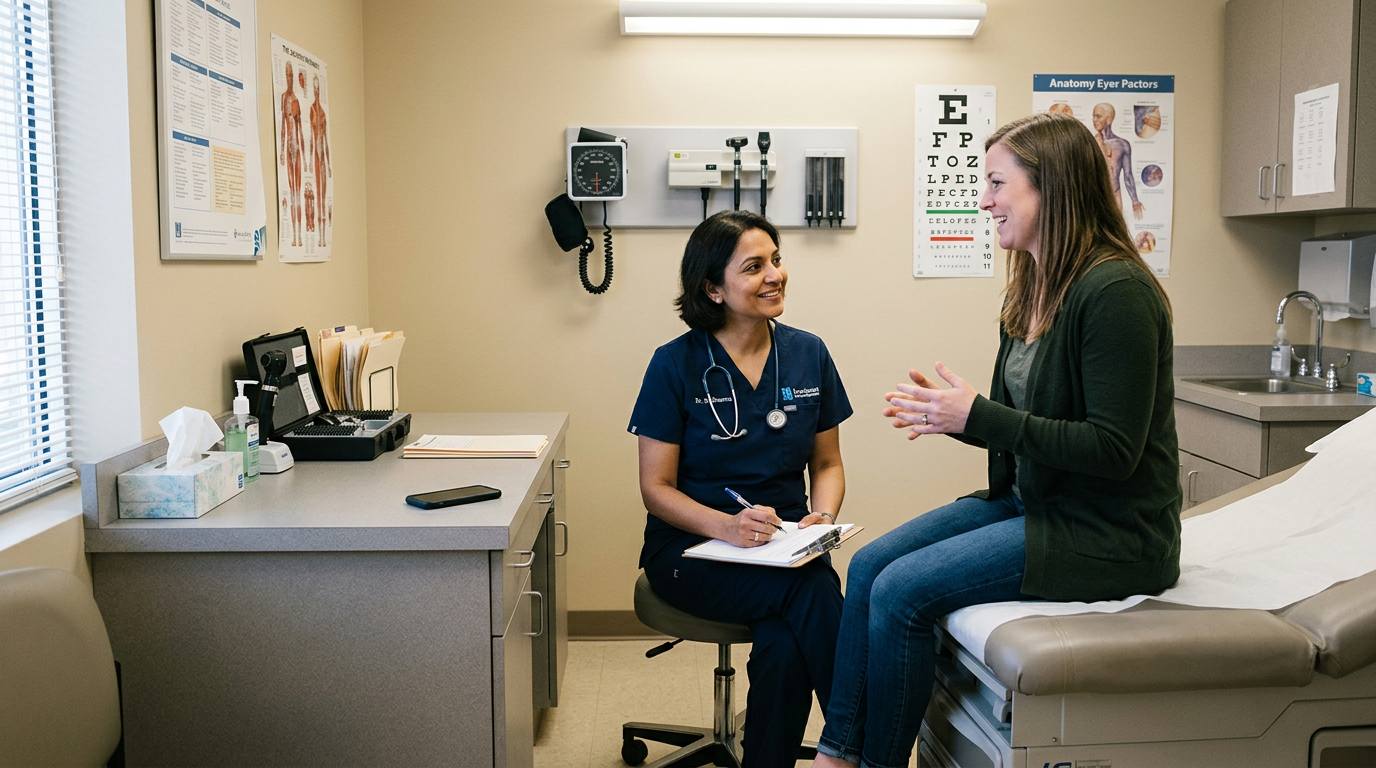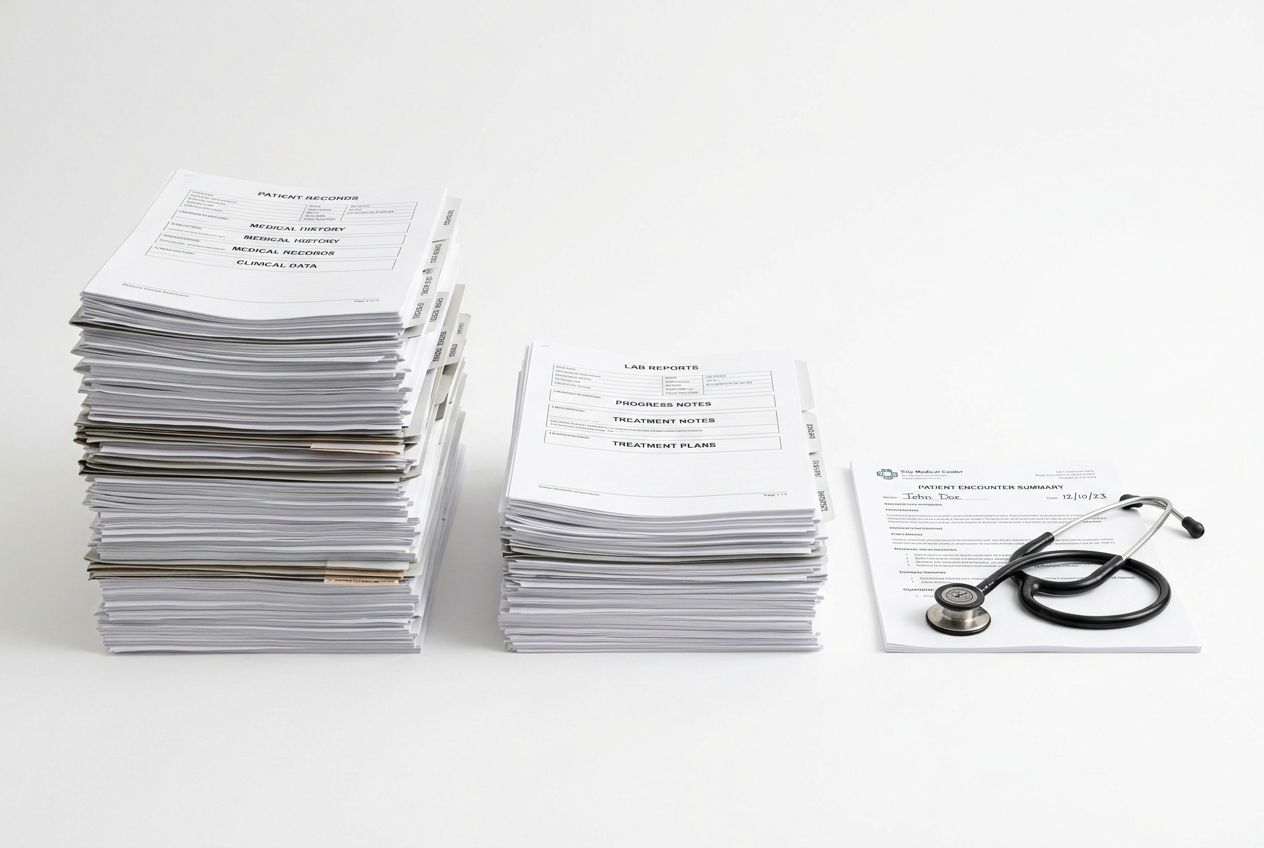
Quick answer: An AI medical scribe can fit a walk-in clinic when it starts quickly, stays attached to the correct patient and encounter, supports varied same-day visits, and returns a clearly labeled draft for clinician review. Urgent care teams share many of these requirements, especially when visits are unscheduled and the pace is high. The safest rollout starts with one location or clinician group, measures efficiency and note quality, and keeps a usable workflow available when the scribe or EHR connection is unavailable.
Walk-in clinics manage a steady mix of unscheduled, episodic visits. Histories may be incomplete, clinicians move between rooms, and interruptions are routine. Visit type and complexity can change from one patient to the next. Urgent care clinics often face the same pressure and, depending on their service model, may also handle more procedures or diagnostics. A documentation tool that looks smooth in a quiet demonstration can still add friction on a crowded day.
The goal is to create a useful draft that reflects the current encounter, supports the next clinical action, and can be reviewed without becoming another queue. Clinics that are new to ambient documentation can use the AI in healthcare guide to establish shared language before evaluating a specific walk-in clinic workflow.
Why Walk In Clinic Documentation Needs Its Own Workflow
Walk-in clinics vary by organization and jurisdiction, but many share the same constraints: unscheduled arrivals, limited preparation time, variable visit length, rapid room turnover, and little continuity with the patient. Documentation may also support referrals, test follow-up, work notes, prescriptions, and transfer to another level of care. Urgent care teams face similar demands, so most of the workflow controls below apply to them as well.
These conditions make patient and encounter matching especially important. The draft must belong to the person in front of the clinician and to the correct visit, especially when the clinic sees patients with similar names, family members attend together, or a clinician has several charts open. The ASTP/ONC SAFER guidance treats reliable patient identification as a clinical safety process, not merely an administrative detail.
Before adding technology, map how information moves through the walk-in clinic. DoraScribe’s guide to medical dictation workflow optimization can help identify copy-paste, re-entry, and waiting steps that should be redesigned rather than automated unchanged.

Prepare Walk In Clinic Rooms, Devices, and Staff Handoffs
Ambient documentation depends on more than the application. Test the walk-in clinic’s actual rooms, shared workstations, mobile devices, network coverage, login process, and background noise. Confirm where the device can be placed without interfering with infection prevention, patient movement, or the clinician’s ability to see that capture is active. Staff should be able to recognize the active encounter at a glance and stop capture without searching through menus.
Define the handoff from registration or rooming to the clinician, and from the clinician to anyone helping with discharge or follow-up. The system should not rely on memory to transfer context between roles. Each transition needs a visible owner, a clear status, and an exception path when the expected person is unavailable. The same discipline is useful in urgent care, where several staff members may touch the same visit.
What the workflow should accomplish
Confirm the Patient and Encounter Before Capture
The scribe workflow should make the patient, clinician, location, visit date, and encounter context visible before capture begins. Define what happens when an identifier is missing, stale, or inconsistent. A safe failure is preferable to quietly attaching text to the wrong chart. Include negative tests in the pilot, such as a rescheduled visit, two encounters on the same day, and two patients with similar names.
Start Quickly Without Skipping Patient Communication
A walk-in visit cannot depend on a long setup ritual, but speed does not remove the need for an approved patient communication process. Staff should know who explains the use of ambient documentation, how questions or objections are handled, and how the clinic records the result when required. DoraScribe’s AI scribe patient consent guide provides a starting point, but the clinic must follow applicable law, professional obligations, and organizational policy.
Match the Note Type to Each Walk In Visit
A single generic template is unlikely to serve every presentation. Inventory the clinic’s common visit types and identify the minimum clinically useful structure for each. A minor injury, respiratory complaint, medication issue, procedure, and referral may require different sections. Urgent care clinics may need additional templates for the services they provide. Review the current doctor’s note template strategy before deciding which fields should be generated, imported, or left for deliberate clinician entry.

Handle Interruptions Without Merging Conversations
Walk-in clinicians may be interrupted by staff questions, phone calls, alarms, or a second patient issue. Test what the workflow does when capture is paused and resumed, when more than one person speaks, or when unrelated conversation occurs nearby. The draft should not blend content from different encounters or present an uncertain speaker as the patient. Staff need a clear way to stop, discard, or restart capture when context has been lost. These tests are equally important in urgent care.
Keep Orders Results and Disposition in Governed Workflows
A generated note is not a substitute for placing an order, reviewing a result, completing a referral, or communicating a disposition through the clinic’s approved systems. Decide which facts the draft may summarize and which actions remain separate, trackable tasks. If the note mentions a test, medication, or referral, the clinician should confirm that the corresponding action was actually taken and that the plan matches the signed chart.
Keep Clinician Review Faster Than Rebuilding the Note
The responsible clinician should be able to verify the patient, material history, examination findings, assessment, plan, follow-up, and any procedure details before finalization. Draft status should be obvious. If clinicians routinely rewrite the same section, delete repeated text, or correct the same attribution error, treat that pattern as template or configuration evidence rather than normalizing extra editing work.
Return the Note to the Chart Without Duplicate Work
Cross-system copy-paste can save a few seconds while creating uncertainty about version, destination, and completion. DoraScribe’s EHR and EMR integration options describe embedded and API-based paths that walk-in clinics can evaluate. Whichever path is selected, define the source of truth, delivery status, correction process, and response to a failed or duplicate submission.
Decide What the Scribe Should Not Automate
Create an explicit boundary list before the pilot. Examples may include making diagnoses, selecting a disposition, independently creating medication or imaging orders, sending referrals, signing the record, or communicating results. The exact boundary depends on the product, clinic, role, and jurisdiction, but it should be written down and reinforced in training. Users should not have to infer the boundary from marketing language or from what the interface appears capable of doing.
Also define encounters in which ambient documentation is not appropriate or requires a modified workflow. Possibilities include a patient declining, a sensitive conversation, a technical problem that makes patient context uncertain, or an environment in which unrelated speech cannot be controlled. A manual alternative should remain available and should not be treated as a failed clinician performance metric.

How to Run a Controlled Walk In Clinic Pilot
Begin with a scope that is representative but reversible: one clinic, a small clinician cohort, and a defined set of visit types. Include busy and quiet periods, new and returning patients, common walk-in presentations, procedures within the clinic’s scope, interpreter-supported encounters where permitted, and visits that require referral or follow-up. If the organization also operates urgent care, include a separate sample of its representative visits rather than assuming the workflows are identical.
Assign owners for clinical quality, privacy and security, EHR administration, template changes, training, and incident escalation. Review every generated draft during the early pilot. Record clinically meaningful corrections separately from spelling or style edits, and investigate every patient-match, delivery, or context-mixing failure before expanding the pilot.
Measures That Show Whether the Workflow Helps
Efficiency measures can include time from encounter end to signed note, percentage of notes completed the same day, median clinician editing time, and documentation work after the walk-in clinic closes. The existing analysis of why after-hours charting happens provides useful context for separating individual habits from system-level causes.
Quality measures should include wrong-patient or wrong-encounter events, missing material information, unsupported statements, contradictory laterality or timing, correction after signature, failed delivery, and repeat edits linked to a template. Experience measures should ask clinicians and staff whether setup, review, and exception handling are understandable during a busy shift. Volume alone does not demonstrate a safe or useful workflow.
Protect Continuity After a Walk-In Visit
A walk-in note often becomes the bridge to care that happens elsewhere. A family physician, specialist, emergency department, pharmacist, or the patient may rely on the documented assessment and follow-up. Review whether the draft makes unresolved items, return precautions, referrals, and pending results easy to find. Do not assume that mentioning a follow-up task in prose creates a tracked task in the EHR.
During the pilot, sample records that required external communication or later follow-up. Confirm that the final note agrees with discharge instructions and that any linked operational task was completed through the proper system. This connects documentation quality to the full care process instead of measuring only how quickly a note was generated.
Choose for the Real Walk-In Clinic
A walk-in clinic scribe should be judged by how it behaves when the waiting room is full, the history is incomplete, and the workflow is interrupted. Compare products using the clinic’s own visit types and the broader medical scribe software features checklist. Confirm privacy, support, templates, integration, and downtime expectations before making efficiency claims. Urgent care organizations should repeat the same evaluation with the visit types and operational risks in their own scope.
For a workflow-focused evaluation, book a DoraScribe demonstration using representative walk-in visit types, realistic interruptions, and the clinic’s actual review and EHR requirements. If your organization also provides urgent care, include its workflow in the demonstration.
Sources and Further Reading
ASTP/ONC: 2025 SAFER Guides. Official self-assessment guidance covering patient identification, organizational responsibilities, system management, APIs, clinical communication, and contingency planning.
AHRQ: Measuring Documentation Burden in Healthcare. Technical-brief program describing measures of documentation burden across clinical settings, including after-hours EHR work and documentation time.
HHS: Summary of the HIPAA Security Rule. Official overview of administrative, physical, and technical safeguards for electronic protected health information in organizations subject to HIPAA.
Editorial disclaimer: This draft is educational and does not provide medical, legal, privacy, security, or regulatory advice. Requirements vary by jurisdiction and organization. A qualified clinical, privacy, security, and legal review is required before publication.