
Automating medical notes does not need to begin with a large clinic project, a complicated integration, or weeks of training.
Many doctors start on their own. They choose a few routine visits, use an AI scribe to create the first draft, review the note, and decide whether it genuinely saves time. A clinic can follow the same process with a few shared rules so everyone documents consistently.
The simplest approach is to start small, keep the doctor in control, and expand only when the workflow feels useful.
This guide explains how to do that over your first 30 days with an AI medical scribe.
Quick answer: Start with one or two common visit types. Explain the tool to the patient and obtain consent as required by your jurisdiction and clinic policy. Let the AI scribe draft the note, review it before it enters the chart, and track the corrections you make. Once the process feels reliable, add more visit types or invite the rest of the clinic.
Medical and legal disclaimer: This article is for general informational purposes only. It does not provide medical, legal, privacy, billing, or compliance advice. Consent and privacy requirements vary by jurisdiction and clinical setting.
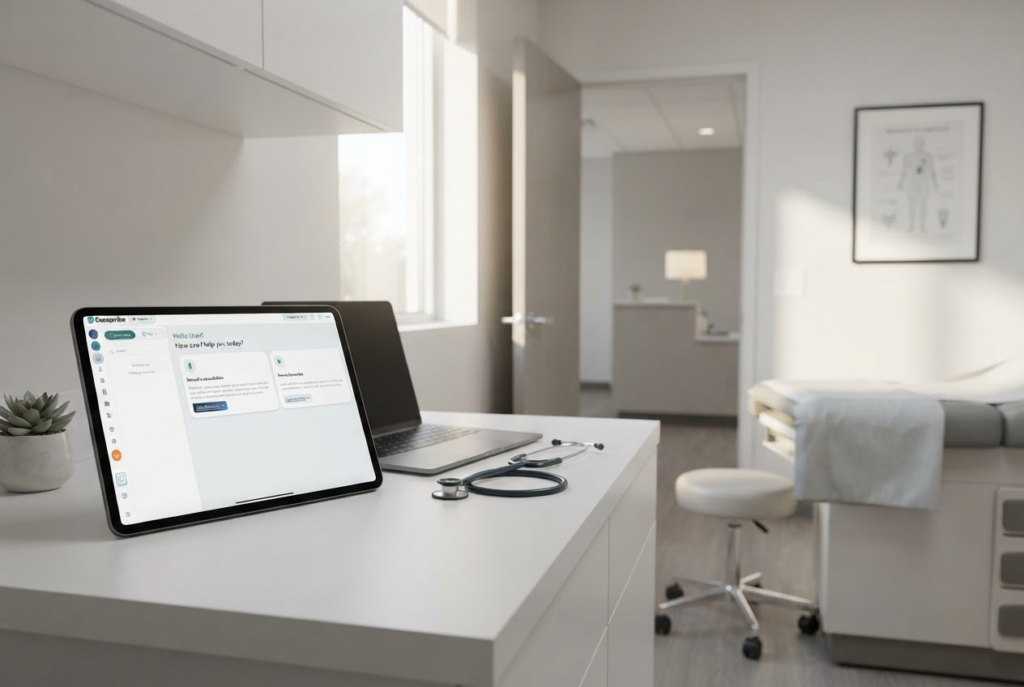
You can start as one doctor
You do not need to wait for a clinic-wide rollout to find out whether an AI scribe works for you.
An individual doctor can begin with a personal workflow:
- Choose a routine appointment type.
- Use the AI scribe during the visit after following the appropriate consent process.
- Generate a draft note.
- Review and correct it.
- Move the final note into the medical record using your normal process.
This is often the fastest way to learn what matters. You will quickly see whether the note has the right structure, whether the tool understands your terminology, and which sections you usually edit.
If you are introducing the tool across a clinic, the same process still applies. The difference is that the team should agree on a few basics: which visits to start with, how consent will be handled, which templates to use, and where the final note will be reviewed.
Week 1: Start with the notes you write most often
Do not begin with your most complicated patient of the week.
Choose one or two visit types that are common and reasonably predictable, such as:
- A routine primary care follow-up.
- A medication review.
- A mental health follow-up.
- A physiotherapy or allied health follow-up.
- A specialist consultation with a familiar structure.
Using familiar visits makes it easier to judge the AI-generated note. You already know what a good note should contain, so missing details and unnecessary text stand out immediately.

Use your current note as the starting point
You do not need to redesign your documentation style for the AI.
Take a note format you already use and turn it into a simple template. That might be a SOAP note, a follow-up note, a consultation note, or your own set of headings.
If you use Dorascribe, you can create or import custom note templates so the draft follows your preferred structure.
For a clinic, begin with one shared template for each selected visit type. Doctors can personalize their templates later once the basic workflow is working.
Decide where the finished note goes
Before the first live visit, answer one practical question: what happens after the draft is generated?
The usual workflow is:
- Dorascribe generates the draft.
- The clinician reviews and edits it.
- The clinician moves the approved note into the EMR or EHR.
- The clinician signs the note using the clinic’s normal process.
An AI-generated note should be treated as a draft. The clinician remains responsible for the final record.
Week 2: Use it during real appointments
Once your template is ready, try the AI scribe during a small number of real appointments.
Five to ten visits is usually enough to spot the first patterns. You may notice that the history is too detailed, the assessment needs more structure, or a section you always use is missing.
Do not judge the workflow from one unusually simple or complicated encounter. Test it across a few representative visits.
Keep the patient explanation simple
Patients do not need a technical explanation of artificial intelligence. They need to understand what the tool is doing and that their clinician remains responsible for the note.
A plain-language explanation could sound like this:
I use a secure documentation tool to help prepare my notes, so I can focus more on our conversation. I review and approve the note myself. Are you comfortable with me using it today?
Your clinic should adapt this language to its policies and local requirements. If a patient declines, continue the appointment and document it using your usual method.
For a solo doctor, it helps to use the same explanation each time. For a clinic, give everyone a shared script so patients receive a consistent explanation.
Week 3: Improve the template instead of fixing every note manually
The first notes will probably need some editing. That is normal.
Pay attention to repeated corrections:
- Are you deleting the same section every time?
- Are medication changes difficult to find?
- Is the history too long?
- Is the plan missing follow-up timing?
- Does the note include headings you never use?
- Do you keep adding the same instruction or phrase?
If the same problem appears in several notes, update the template. Do not keep making the same manual correction forever.
The most useful template is not the longest one. It is the smallest structure that consistently produces the note you need.
Doctors who prefer SOAP notes can also review Dorascribe’s guide to automated SOAP notes.
Week 4: Decide whether it is actually saving time
By the fourth week, the AI scribe should feel like part of the visit rather than an extra task.
You do not need a complicated report. Ask a few straightforward questions:
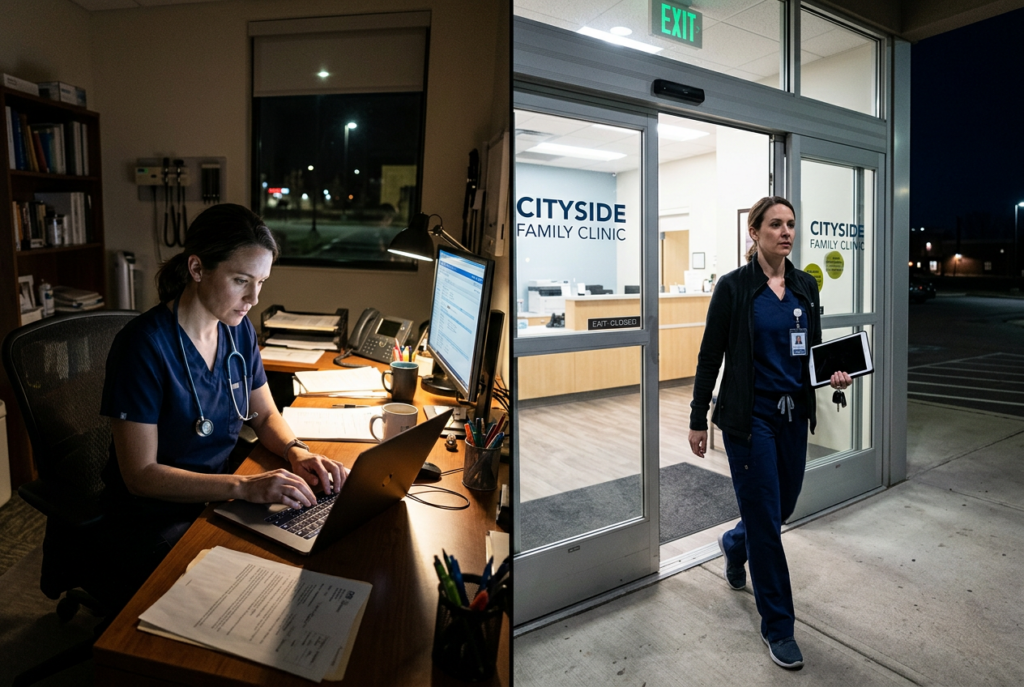
- Am I finishing more notes on the same day?
- Am I spending less time charting after clinic?
- How long does it take to review each draft?
- Which visit types work best?
- Which parts of the note still need frequent correction?
- Do I feel more present during the patient conversation?
If you are using the tool personally, track these questions for yourself. If you are testing it across a clinic, ask each participating clinician for a short weekly update.
Speed alone is not the goal. A note that appears quickly but requires extensive rewriting is not saving time. The real benefit is a draft that is accurate enough to review, easy to finish, and ready while the encounter is still fresh.
If after-hours documentation is the main reason you are trying an AI scribe, compare your experience with the common causes of after-hours charting.
What your everyday workflow should look like
Once the process is comfortable, using an AI scribe should be simple:
- Choose the appropriate note template.
- Explain the tool to the patient and follow the required consent process.
- Start the consultation.
- End the recording and generate the draft.
- Review important details, including diagnoses, medications, findings, and follow-up.
- Edit and approve the note before placing it in the medical record.
The AI scribe should remove a documentation step, not add a new layer of administration.
Common mistakes when getting started
Trying every visit type immediately
Start with predictable visits. Add complex consults, procedures, emergency encounters, and medico-legal documentation only after you understand how the tool performs.
Expecting a finished note without review
AI-generated notes are drafts. Review every note before it becomes part of the patient record.
Using one oversized template for everything
A single template with every possible heading often creates long, repetitive notes. Use smaller templates for different visit types.
Ignoring repeated edits
If you repeatedly make the same correction, change the template or workflow. The tool should adapt to how you practise.
Measuring success only by generation speed
Fast generation is helpful, but review time and note quality matter more. Measure how long it takes to reach a final, usable note.
A straightforward 30-day checklist
If you are starting on your own
- Pick one or two common visit types.
- Choose or import your preferred note template.
- Decide how the approved note will move into your EMR or EHR.
- Prepare a simple patient explanation.
- Test the workflow on five to ten representative visits.
- Review every draft before saving it.
- Write down the corrections you make repeatedly.
- Adjust the template after the first week of use.
- Compare same-day note completion and after-hours charting.
- Add more visit types only when the first workflow feels reliable.
If you are introducing it across a clinic
- Choose a small group of clinicians for the first test.
- Agree on the first visit types and templates.
- Set a consistent consent and patient-communication process.
- Confirm who can access drafts and where approved notes are stored.
- Give clinicians a short demonstration using a realistic visit.
- Collect feedback after the first five to ten notes per clinician.
- Fix common template problems for the whole group.
- Track review time, same-day note completion, and clinician satisfaction.
- Document a fallback process for patients who decline or when the tool is unavailable.
- Expand to the rest of the clinic only after the pilot workflow is stable.
Start small and make it useful
Automating medical notes should not require doctors to change how they practise. The tool should fit around the consultation, produce a familiar draft, and leave the clinician in control of the final record.
For one doctor, that can mean testing Dorascribe during a handful of routine visits and refining a personal template. For a clinic, it can mean starting with a few clinicians and agreeing on a simple shared process before expanding.
The important part is not launching everything at once. It is finding one workflow that genuinely reduces typing and helps you finish notes sooner.
You can learn more about the Dorascribe AI medical scribe, start with the free plan, or book a demo if you want help setting up a clinic workflow.